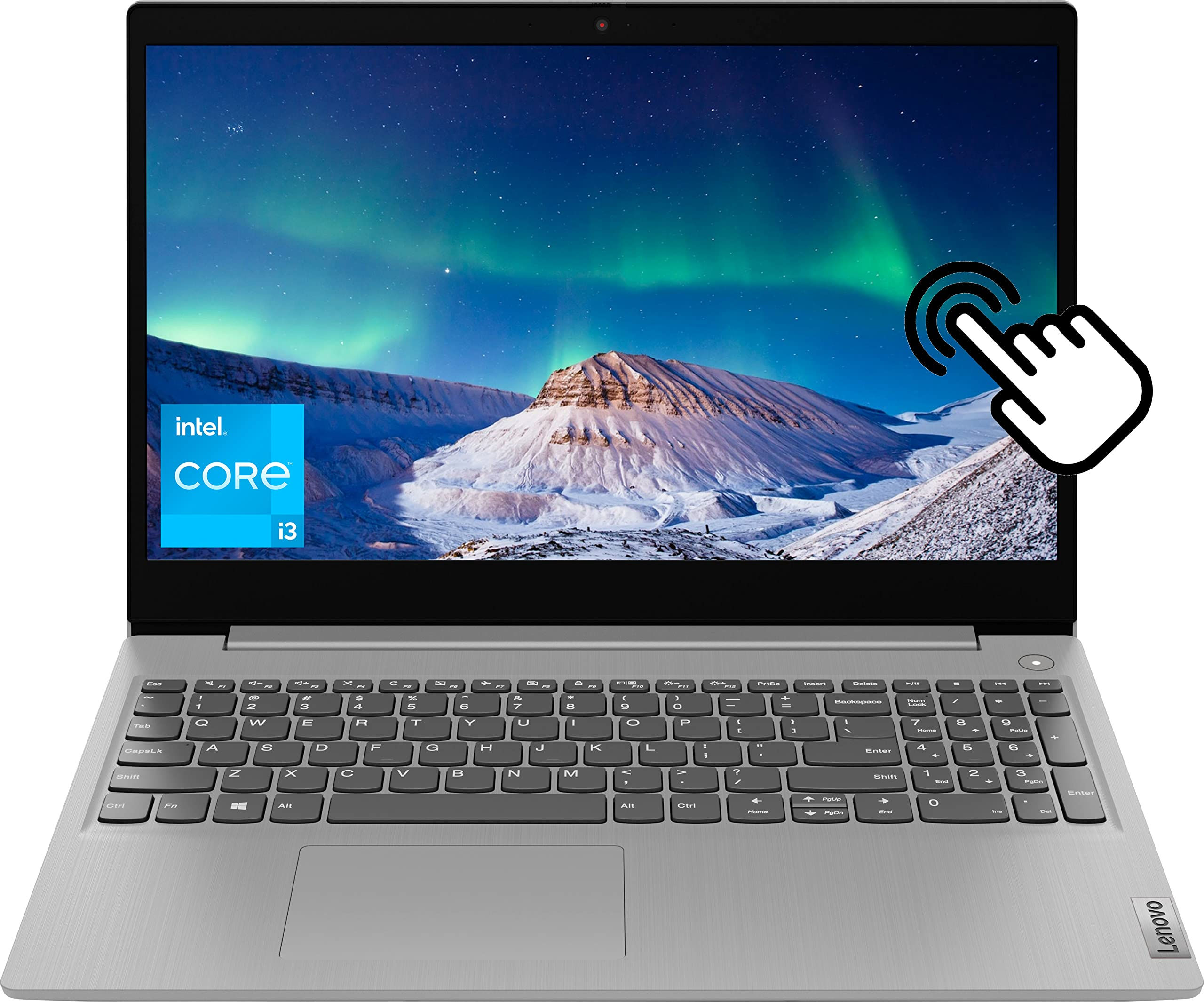
Lenovo IdeaPad 3 15.6" HD Touchscreen Laptop 11th Gen Intel Core i3-1115G4(Up to
Switching out of S mode in Windows 11Windows 11 in S mode is designed for security and performance exclusively running apps from the Microsoft Store. If you want to install an app that isnt available in the Microsoft Store youll need to switch out of S mode1. On your PC running Windows 11 in S mode open Settings > System > Activation.2. In the Switch to Windows 11 Pro section select Go to the Store. (If you also see an "Upgrade your edition of Windows" section be careful not to click the "Go to the Store" link that appears there.)3. On the Switch out of S mode (or similar) page that appears in the Microsoft Store select the Get button. After you see a confirmation message on the page youll be able to install apps from outside of the Microsoft Store.Lenovo 15.6 inch Laptop for Bussiness and Student:Display: 15.6 inches 1366 x 768 (HD) Multitouch ScreenProceoosr: Intel Core i3-1115G4Memory: Upgraded to 8GB DDR4Storage: Upgraded to 512GB NVMe SSDPorts:1 x Headphone Jack1 x HDMI3 x USB Type-A1 x SD Card ReaderWireless: WIFi 5 & BluetoothCamera: HD 720pDimension: 14.26 x 9.98 x 0.78 inchesWeight: 4.07 pounds